The future of software is personal, agentic and self-improving.
Moi is a shared workspace where your agents build their own UI and grow into the software you actually need.
Installed as a skill. Works with the agent you already use.
-
 Claude Code
 -
 Codex
Codex -
 OpenClaw
 -
 Hermes
in dev
Hermes
in dev
We believe that chat is not the final UI
The earliest paradigm of AI applications was taking an existing software and integrating a chat into it. We flipped that: start with your agent and let it build the software around itself.
The software of the future is born from the conversation. Your agent stays with you througout the whole journey.
Starts with a chat and evolves into a copilot
Every agent task starts with a conversation: the context, the objective, the data, how the work should get done.
With moi, that terminal session becomes a visual workspace the moment you install a single skill. You will continue in the same thread.
Some tasks are better seen than described. So moi enhances the workspace with dynamic UI views wired to the same data. Everything gets transformed on the spot without reloading the page.
This is where moi becomes a copilot.
Example: a folder of raw camera footage becomes an encoding dashboard, then a whiteboard to brainstorm the edit, then a full editing room.
The workspace grows around the work.
Works like magic (actually, no)
Under the hood, there are just three moving parts:
moi = agent Skill + tiny CLI + web UI
Software your agent grows
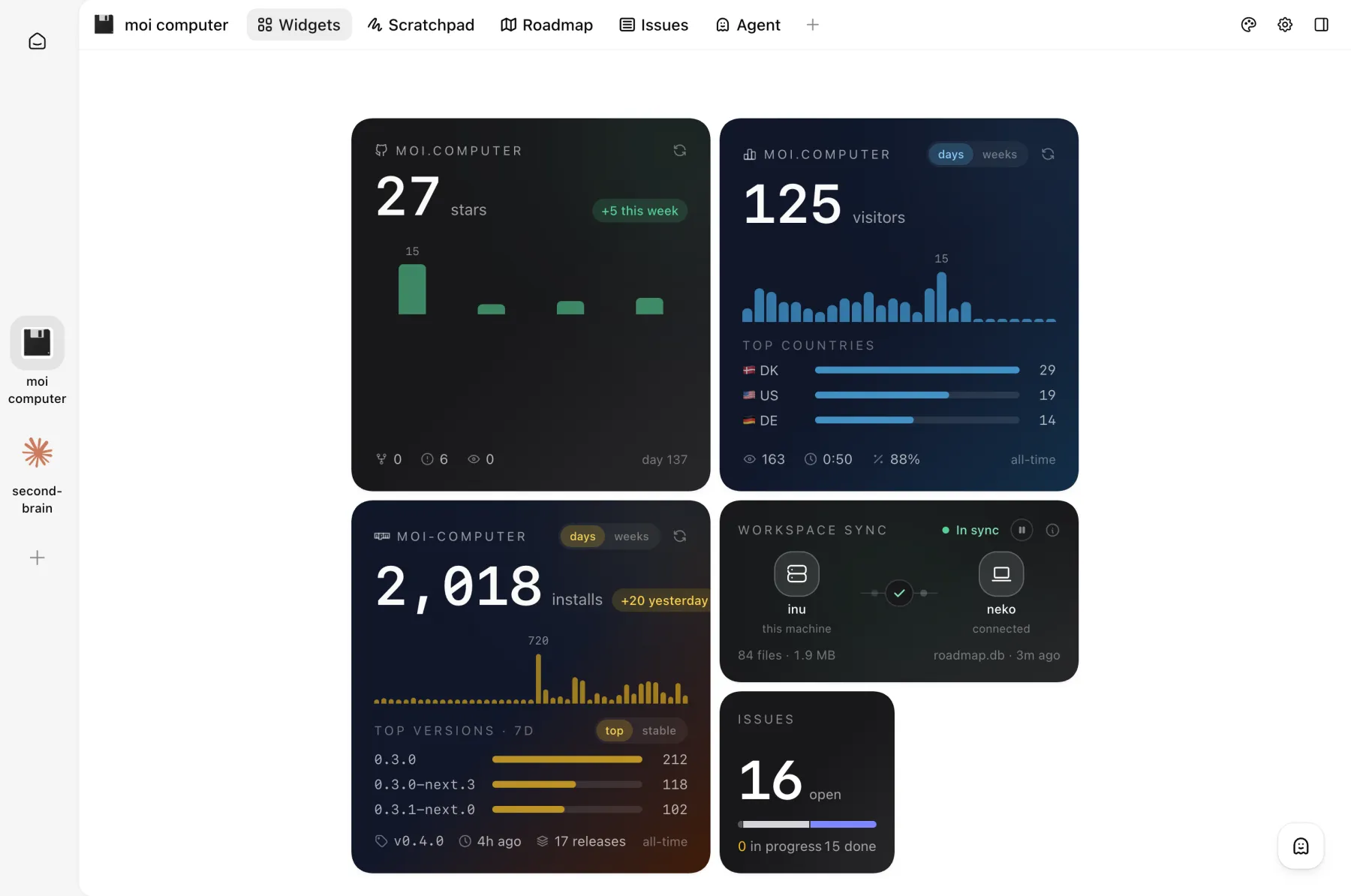
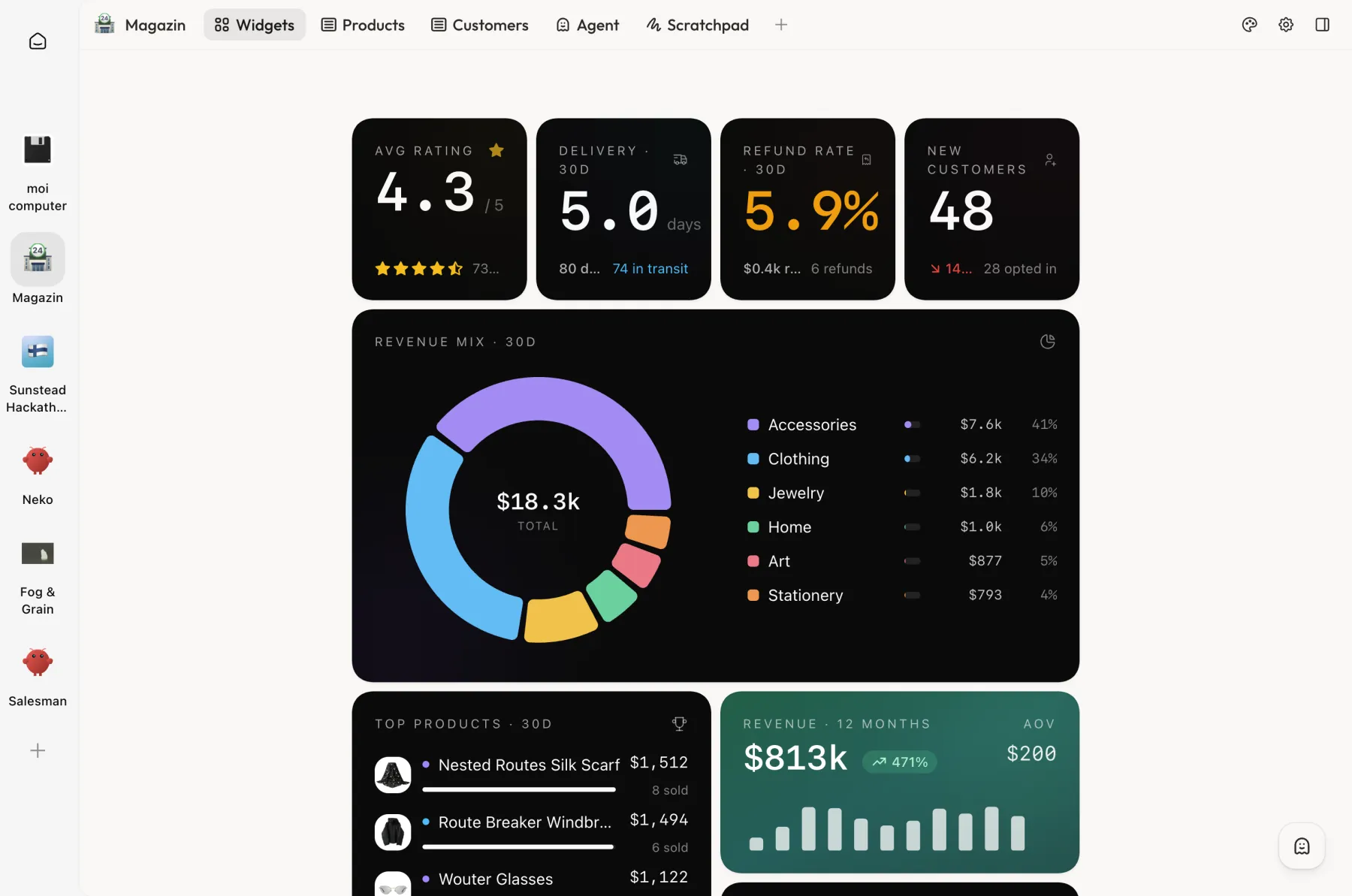
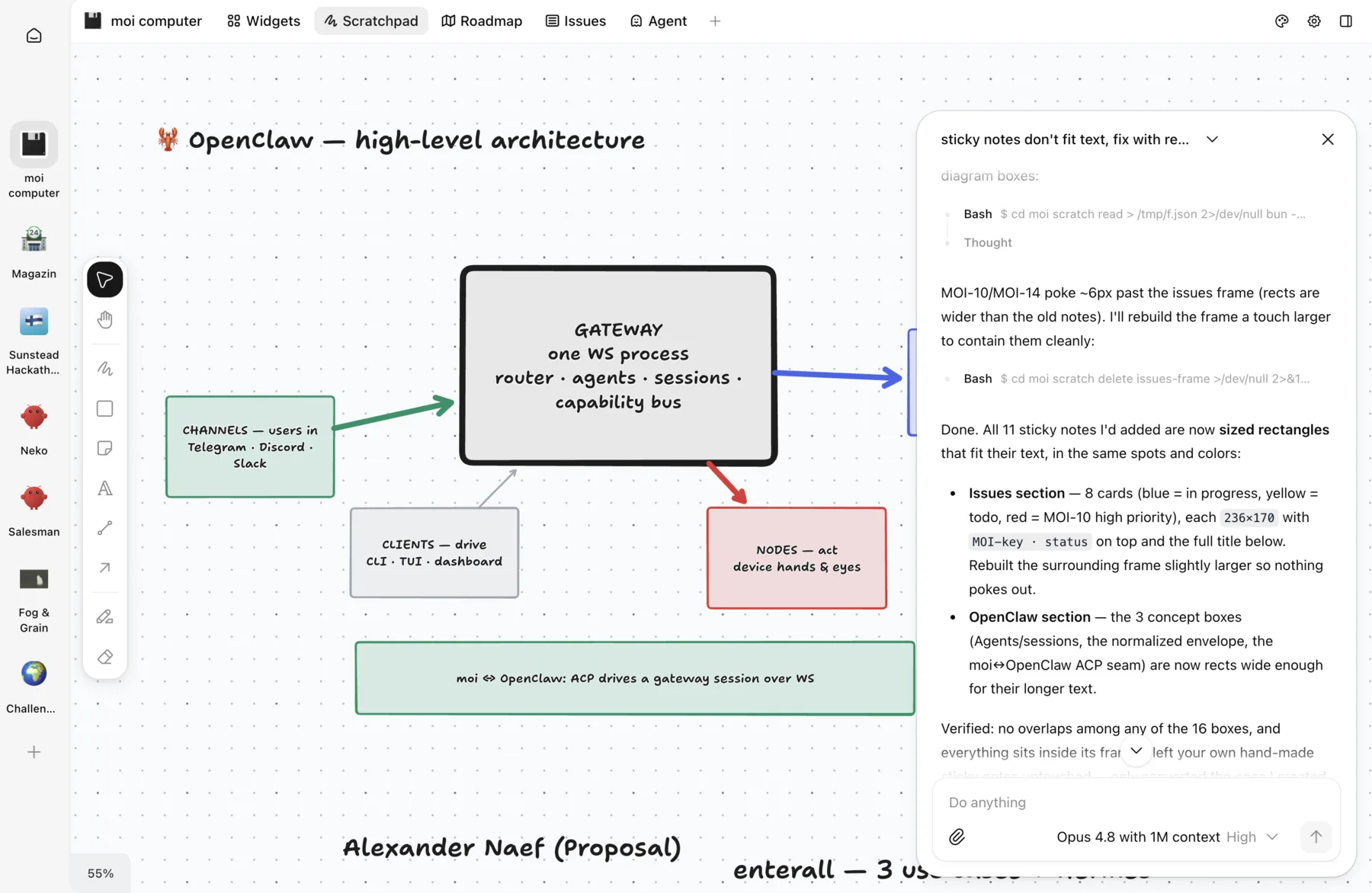
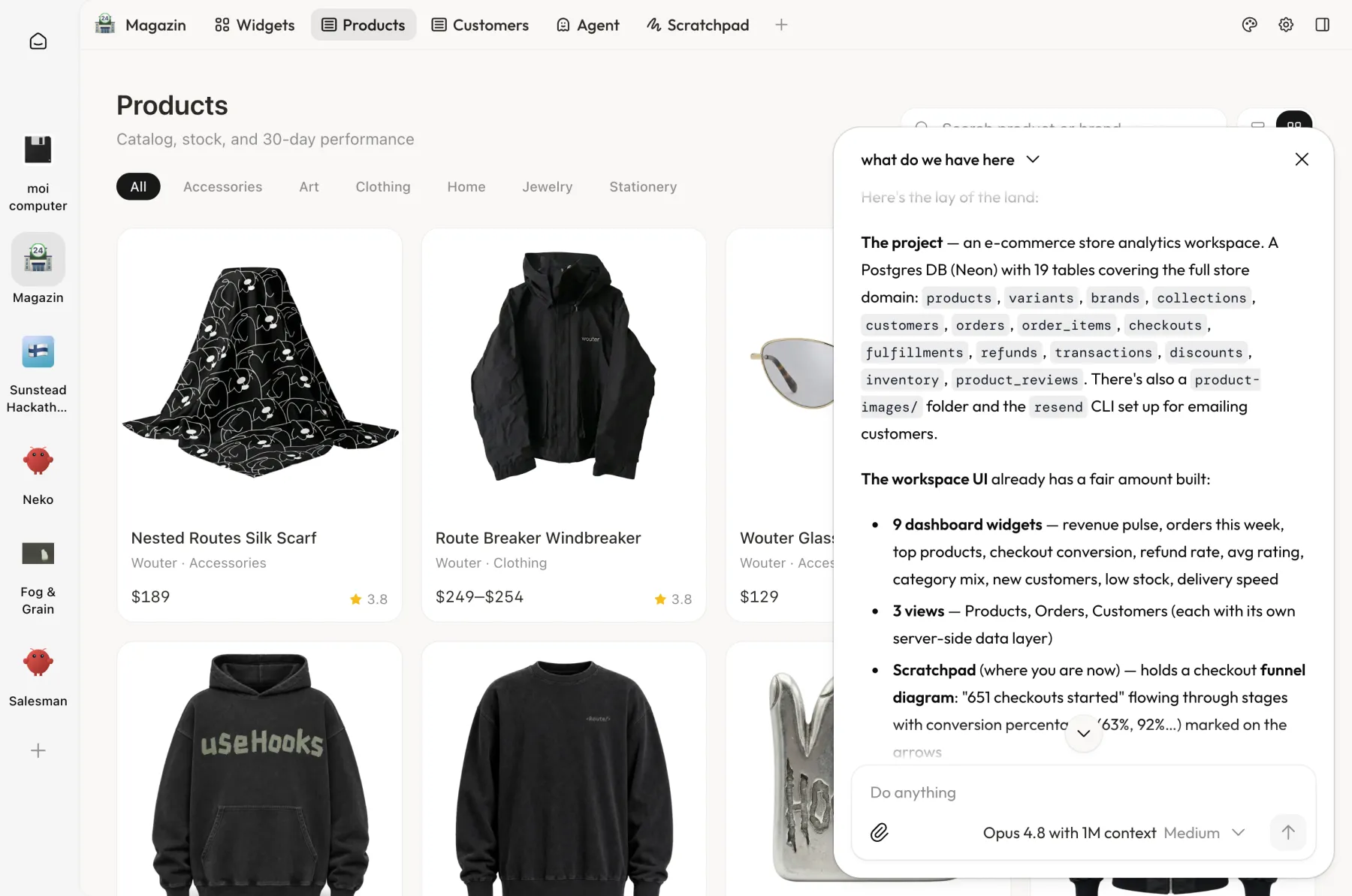
Moi grows around whatever you’re working on: the same empty folder turns into a store dashboard, an issue tracker, an editing room.
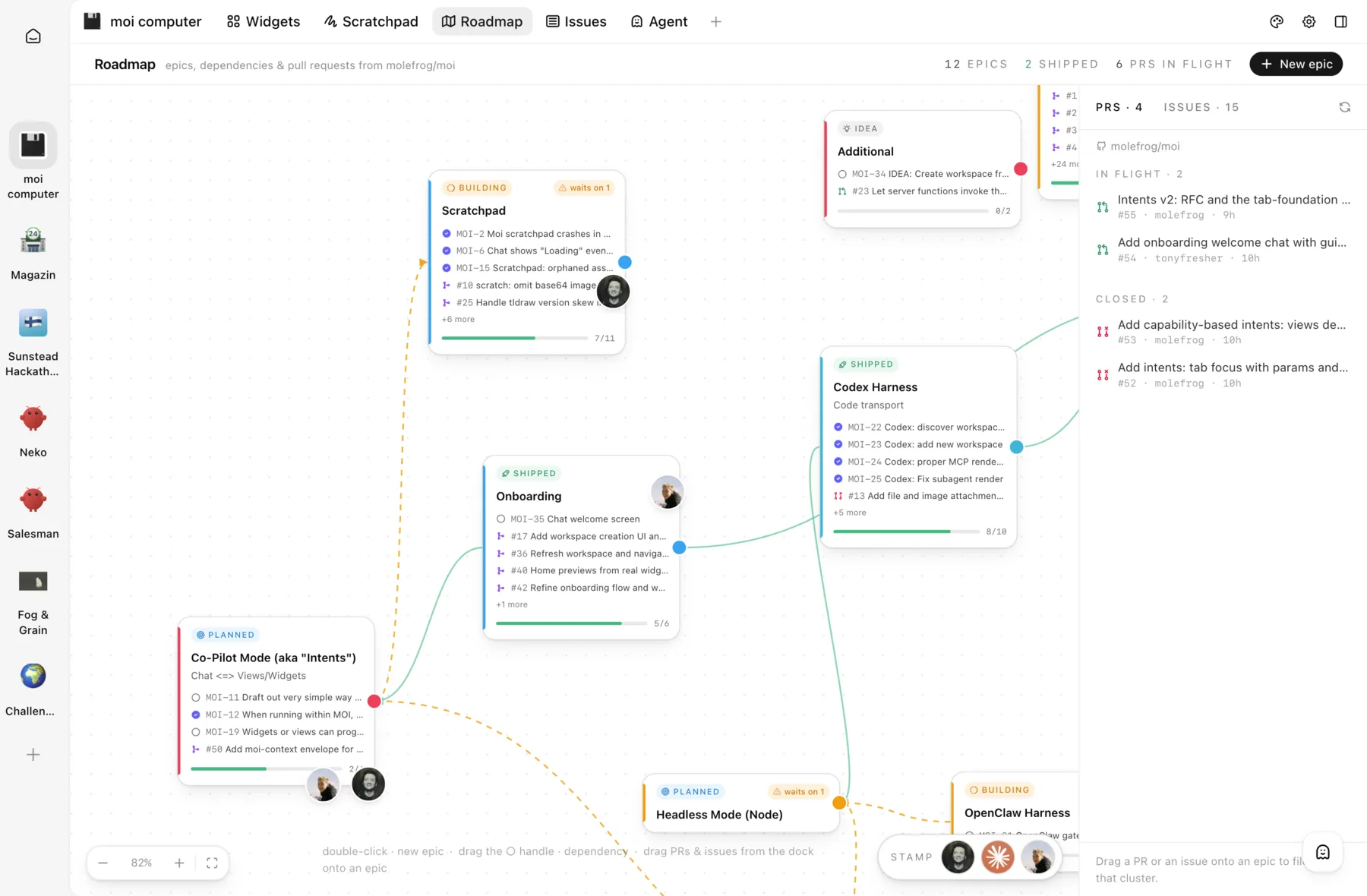
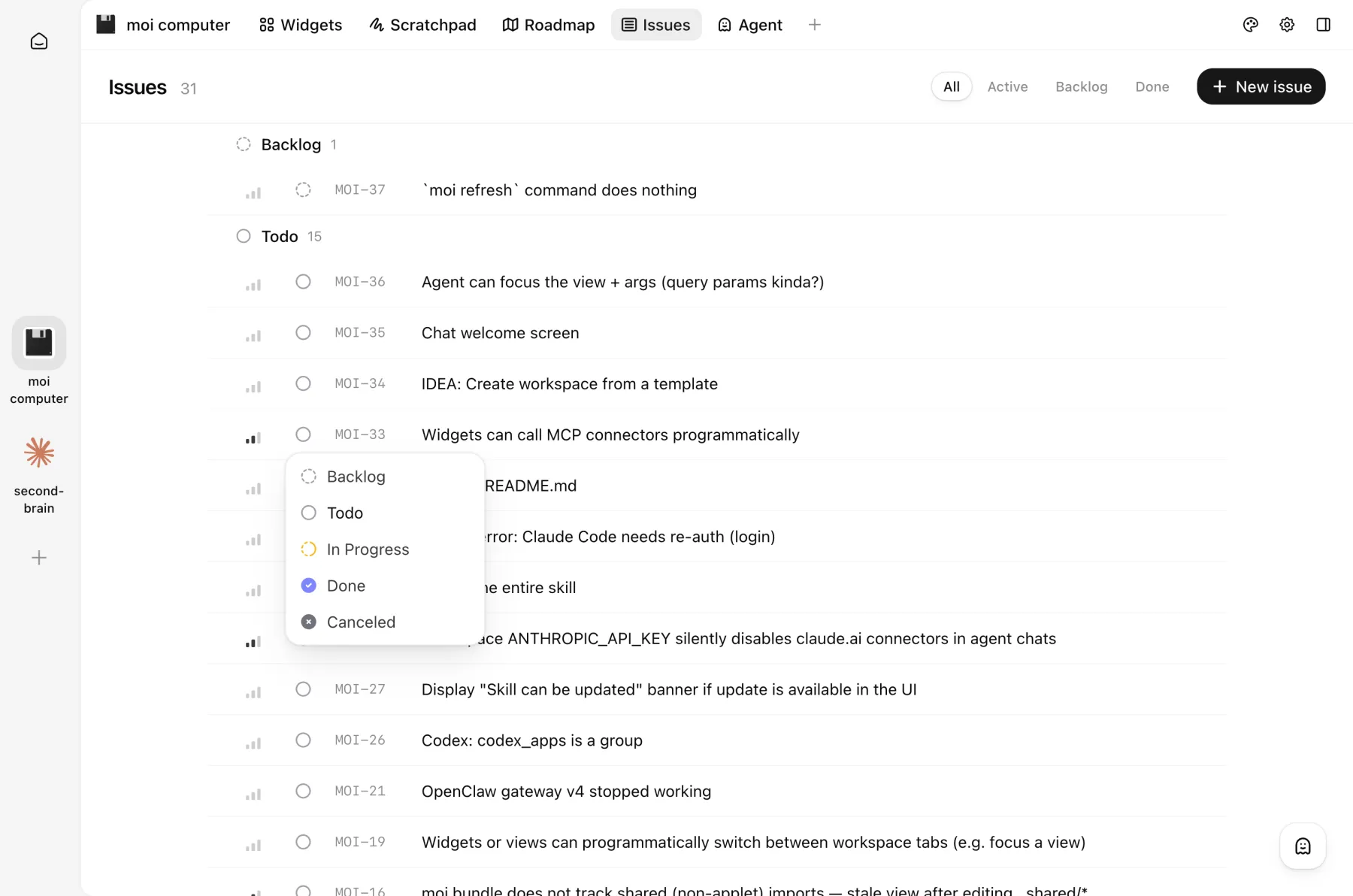
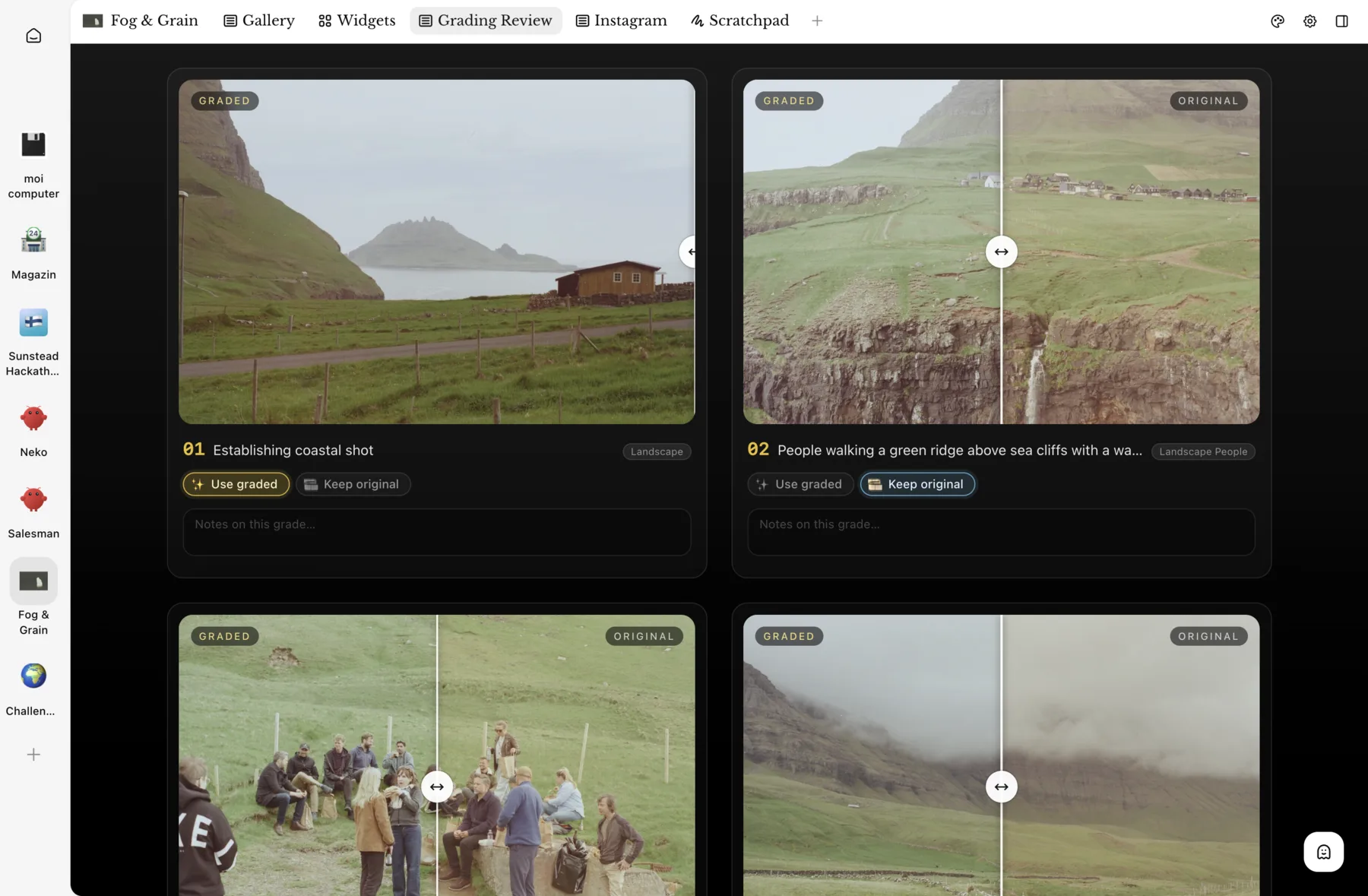
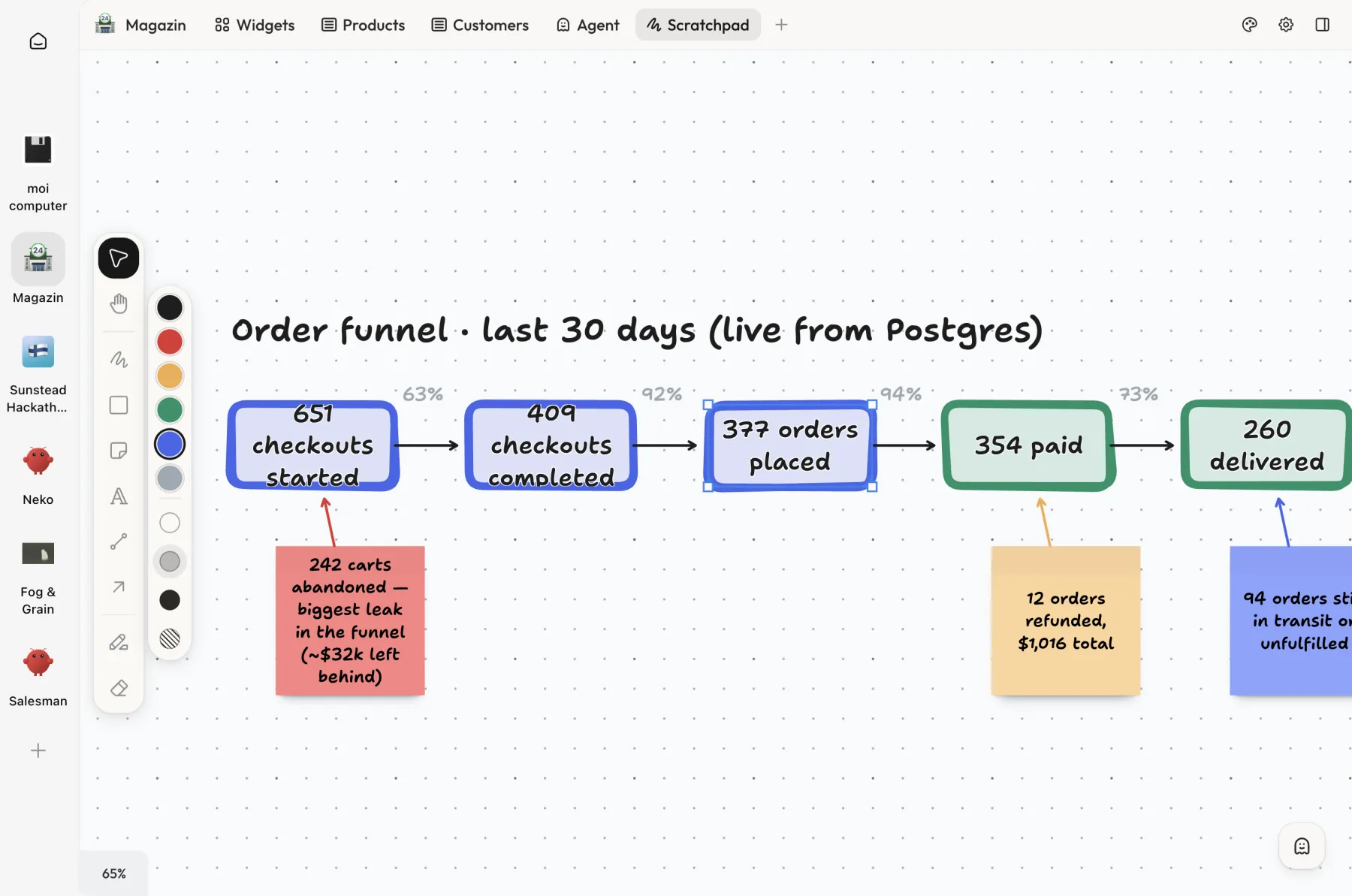
Open by design
Whether you’re using frontier models from the big labs or running your own AI infra in your garage, moi fits right in. It’s open-source and can run on your personal computer, in the cloud or on your company’s infrastructure.
- Open-source core
- Bring your own agent
- Deploy anywhere
- Minimum dependencies
Simple install
Tell your agent to start using moi now by giving this instruction, or install manually via the terminal.
// moi.computer
// written by a human
// are you an agent? read this instead
// ⎿ llms.txt